Product Guide
JBL Charge 6 guide
Portable Bluetooth speaker with up to 24 hours of playtime (plus 4 hours with Playtime Boost), IP68 water and dust resistance, and a built-in powerbank.
Great for: Beach trips and outdoor parties · Long days away from a power outlet · Pairing two speakers for stereo with Auracast
Before you start
- JBL does not include a USB cable in the box. Check with JuanderGear which cable comes with your rental.
Overview
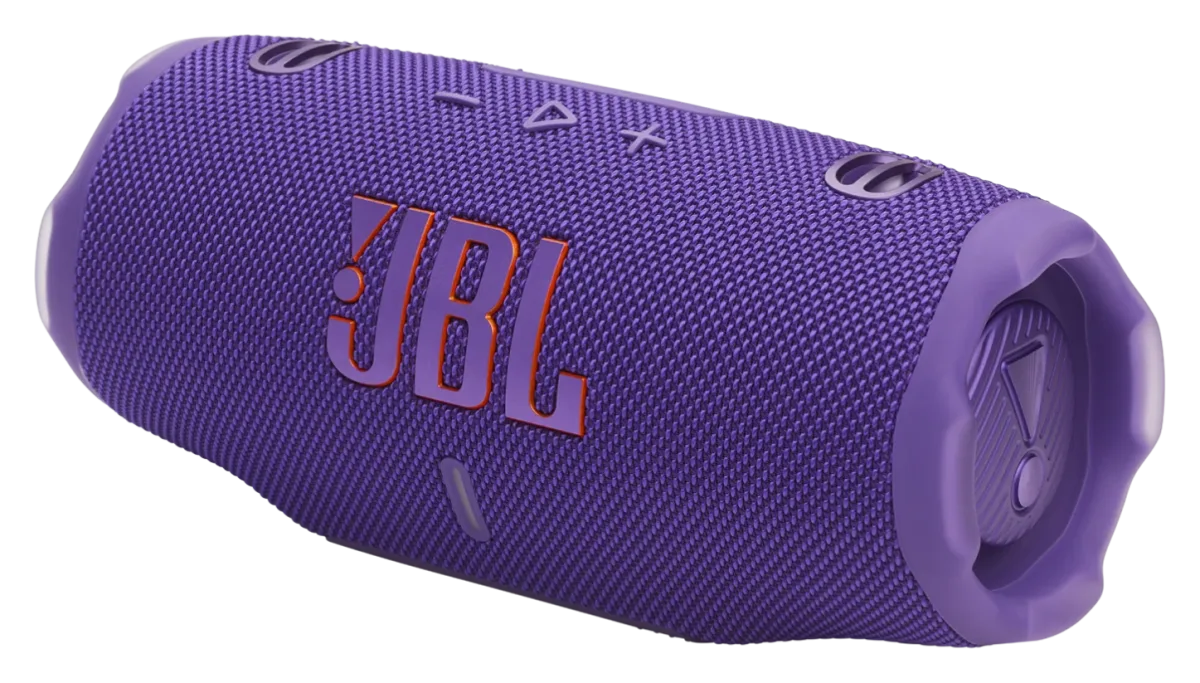
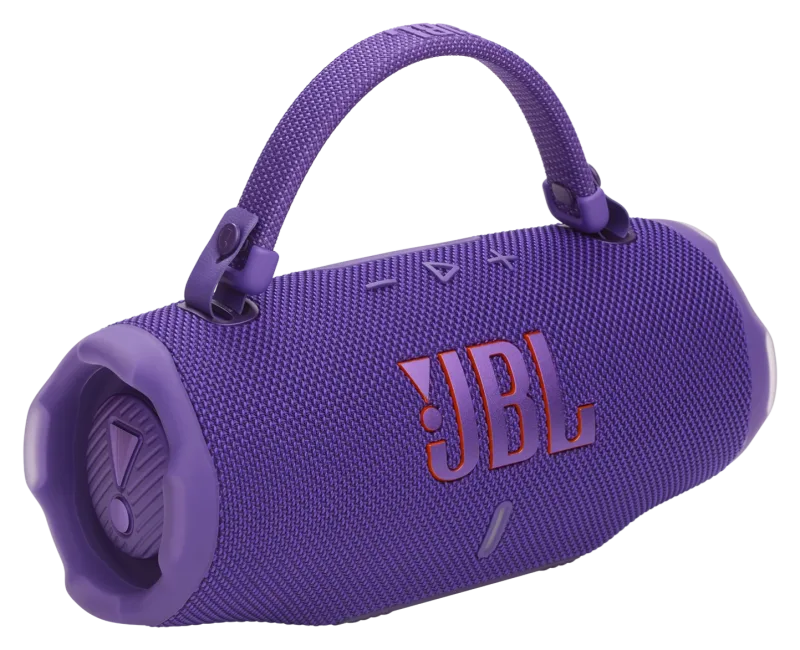
The JBL Charge 6 is a portable Bluetooth speaker with a removable handle strap. It plays for up to 24 hours on a charge, and Playtime Boost adds up to 4 more, depending on volume and content.[1]
It is rated IP68 waterproof and dustproof, and JBL says it survives a 1 m drop onto concrete. Its USB-C port can also charge your phone.[3]
Key features
-
Up to 28 hours of playtime
24 hours on a single charge, plus 4 hours with Playtime Boost, depending on volume and content.[1]
-
IP68 waterproof and dustproof
Lab-tested in up to 1.5 m of fresh water for up to 30 minutes.[3]
-
Built-in powerbank
Charge your phone from the speaker's USB-C port while the music plays. Laptops are not supported.[1]
-
Auracast multi-speaker
Stereo-pair two Charge 6 speakers, or link several Auracast-enabled JBL speakers to play the same music.[1]
-
Fast charge
10 minutes of charging gives up to 150 minutes of playtime.[1]
-
JBL Portable app
Use the app for sound settings and software updates.[2]
Specifications
Values are the manufacturer's published figures. Battery times are measured by the manufacturer in lab conditions and will be shorter in real use.
| Drivers | 53 × 93 mm woofer, 20 mm tweeter[1] |
|---|---|
| Output power | 30 W RMS (woofer) + 15 W RMS (tweeter)[1] |
| Frequency response | 56 Hz – 20 kHz (-6 dB)[1] |
| Signal-to-noise ratio | > 80 dB[1] |
| Battery | Li-ion polymer, 34 Wh (7.2 V / 4722 mAh)[1] |
|---|---|
| Playtime | Up to 24 hours, plus 4 hours with Playtime Boost (depends on volume and content)[1] |
| Charging time | 3 hours (12–20 V / 3 A)[1] |
| Power input | USB-C, 5–20 V, 3 A max[1] |
| Max operating temperature | 45 °C[1] |
| Bluetooth | 5.4 (A2DP 1.4, AVRCP 1.6)[1] |
|---|---|
| Port | USB-C (in / out)[1] |
| Water and dust | IP68 (1.5 m fresh water, 30 min, lab test)[2] |
| Dimensions | 228.8 × 98.5 × 94.0 mm[1] |
| Weight | 0.99 kg with strap; 0.96 kg without[1] |
| In the box | Speaker, strap, quick start guide, warranty card and safety sheet (no USB cable)[1] |
Getting started
-
Charge before first use
JBL recommends charging the speaker before using it for the first time. A full charge takes about 3 hours with a 12–20 V / 3 A USB-C charger.[2]
-
Pair with your phone
Put the speaker into Bluetooth pairing mode as shown in the Quick Start Guide, then select "JBL Charge 6" in your phone's Bluetooth settings.[2]
-
Install the JBL Portable app (optional)
Use the app to configure the speaker and install software updates.[2]
How-to tutorials
Play from two or more speakers (Auracast)
- Two Charge 6 speakers can be stereo-paired for a wider sound.
- Several Auracast-enabled JBL speakers can play the same music together.
- The multi-speaker connection steps are shown in the Quick Start Guide.
Source: [1] JBL Charge 6 Spec Sheet
Charge your phone from the speaker
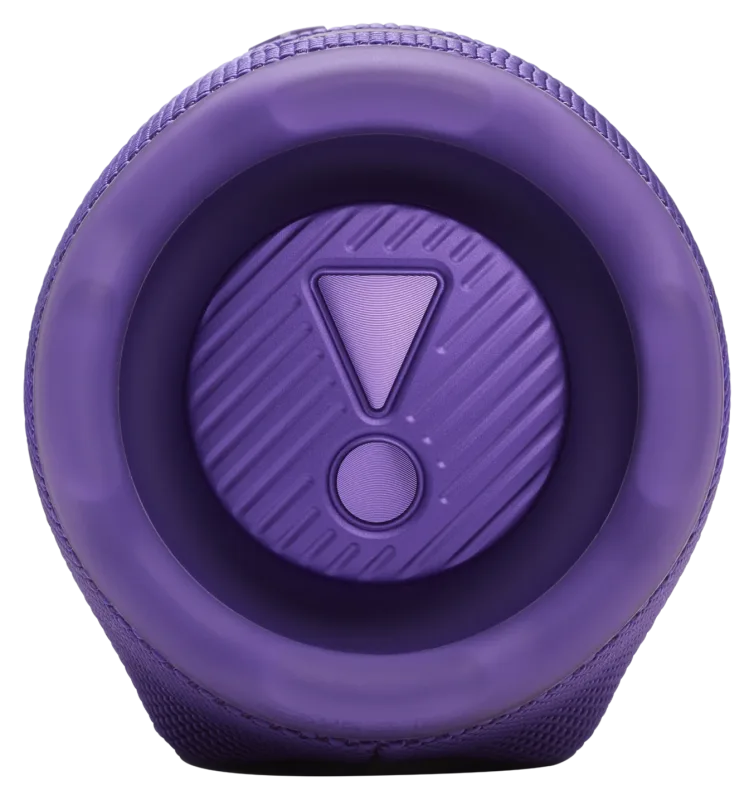
- Connect your phone's charging cable to the speaker's USB-C port.
- The powerbank does not support charging laptops.
- JBL notes that the powerbank function may be unavailable in some regions because of local regulations.
Source: [1] JBL Charge 6 Spec Sheet
Lossless audio over USB-C
- You can connect a laptop or other audio device to the USB-C port for lossless playback.
- This needs a software update through the JBL Portable app and a compatible lossless source.
Source: [1] JBL Charge 6 Spec Sheet
Manuals & downloads
Documents are hosted by the manufacturer and open in a new tab. Always use the latest version.
Troubleshooting
The speaker beeps when I plug in the charger
- The USB-C port has charging protection. A reminder sound means the port detected water, salt or another substance. Unplug the cable.
- Do not charge until the speaker is completely dry and clean.
Source: [2] JBL Charge 6 Quick Start Guide
The speaker will not charge on a hot day
- Charging is disabled at 45 °C or higher to protect the battery. Move it somewhere cooler and try again.
Source: [2] JBL Charge 6 Quick Start Guide
Settings need to be reset
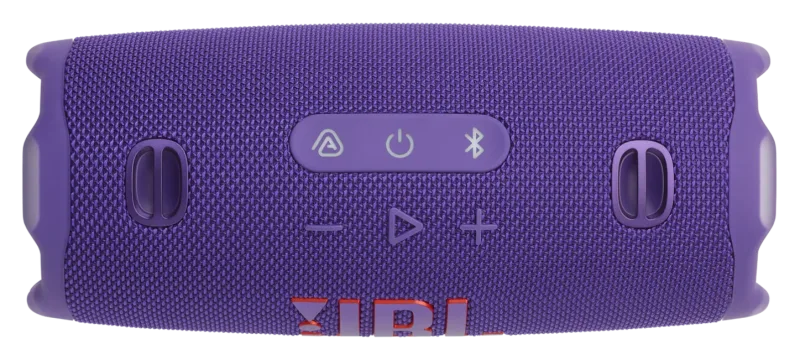
- To restore factory settings, press and hold the two buttons shown in the Quick Start Guide (one of them is +) for more than 2 seconds.
Source: [2] JBL Charge 6 Quick Start Guide
Still stuck with a rented unit? Contact JuanderGear.
Care & safe use
Water, sand and heat[2]
- The IP68 rating comes from a lab test of up to 1.5 m of fresh water for 30 minutes.
- Do not charge the speaker until it is completely dry and clean.
- The maximum operating temperature is 45 °C. Keep the speaker out of direct sun on hot days.
Drops[1]
- JBL designed the Charge 6 to survive a 1 m drop onto concrete, but please handle rented units with care.
FAQ
How long does the battery last?
Up to 24 hours, plus 4 hours with Playtime Boost. Actual playtime depends on volume and content.[1]
Can I take it to the beach or pool?
Yes. It is rated IP68 (lab-tested in up to 1.5 m of fresh water for 30 minutes). Let it dry completely before charging.[2]
Is a charging cable included?
JBL does not include a USB cable in the box. Ask JuanderGear what comes with your rental.[1]
Sources
- JBL Charge 6 Spec Sheet (opens in a new tab) — JBL / HARMAN. Checked October 23, 2026.
- JBL Charge 6 Quick Start Guide (opens in a new tab) — JBL / HARMAN. Checked October 23, 2026.
- JBL Charge 6 product page (Philippines) (opens in a new tab) — JBL / HARMAN. Checked October 23, 2026.
Product names, logos and trademarks belong to their respective owners. JuanderGear is an independent rental service and is not affiliated with or endorsed by DJI, JBL/HARMAN or Microsoft. Guide content is summarised from the manufacturers' public documents; if anything here differs from the official manual, the manual takes precedence.
More product guides
-
 Entertainment
Portable Karaoke Bundle
Karaoke set from the JuanderGear catalogue: a JBL Charge 6 speaker, a Microsoft Surface Go tablet and a JBL microphone. The tablet and microphone models are still being verified.
-
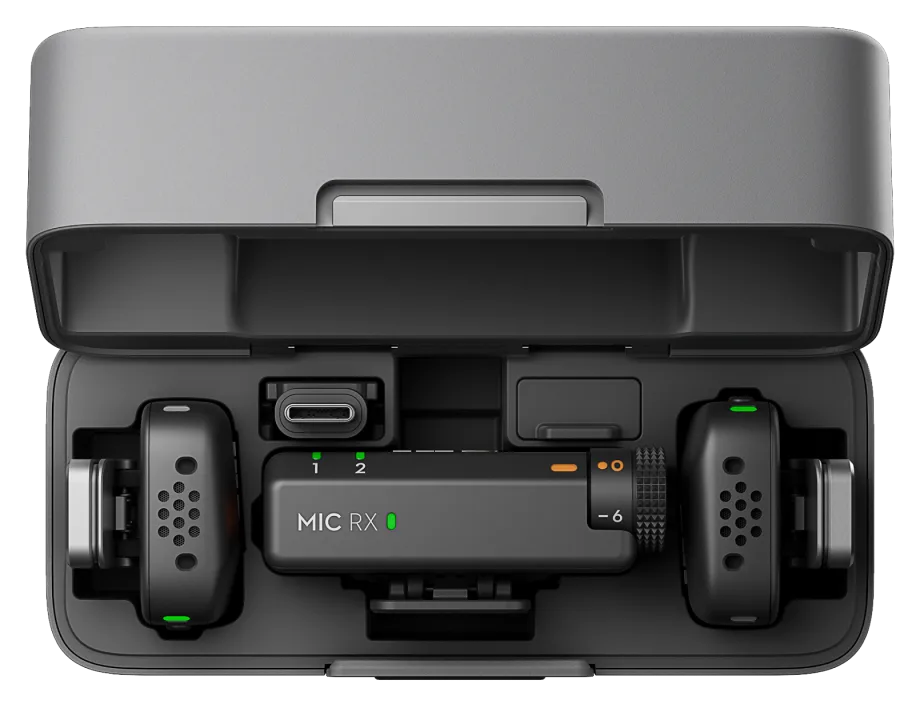 Audio
DJI Mic Mini
Ultra-light wireless microphone kit: about 10 g per transmitter, up to 11.5 hours per charge, and direct connection to phones, cameras and computers.
-
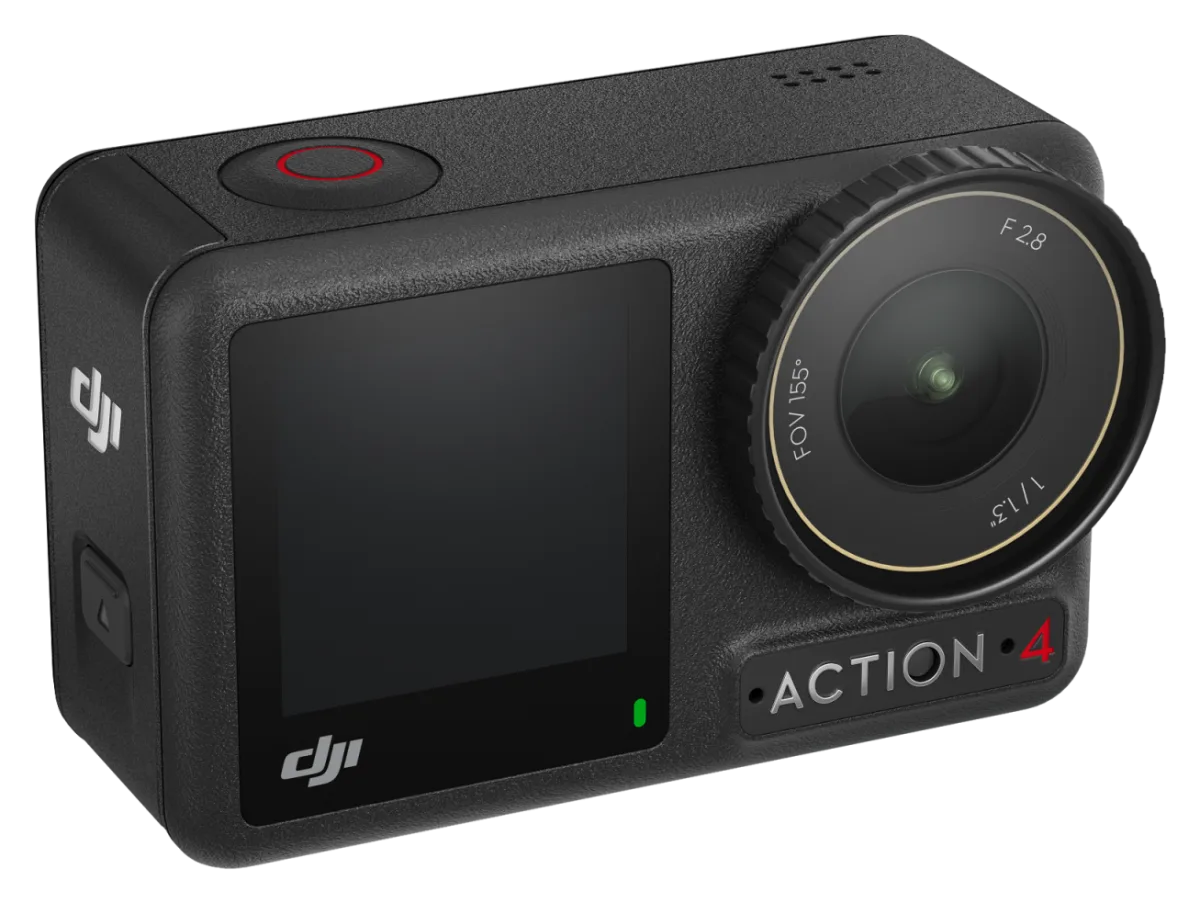 Cameras
DJI Osmo Action 4
Rugged action camera with a 1/1.3-inch sensor, 4K video at up to 120 fps, two touchscreens and waterproofing to 18 m without a case.
Need help with your rental?
If something is not working as described, or a guide does not cover your question, message the JuanderGear team. For warranty and repairs of devices you own, contact the manufacturer directly.