Product Guide
Portable Karaoke Bundle guide
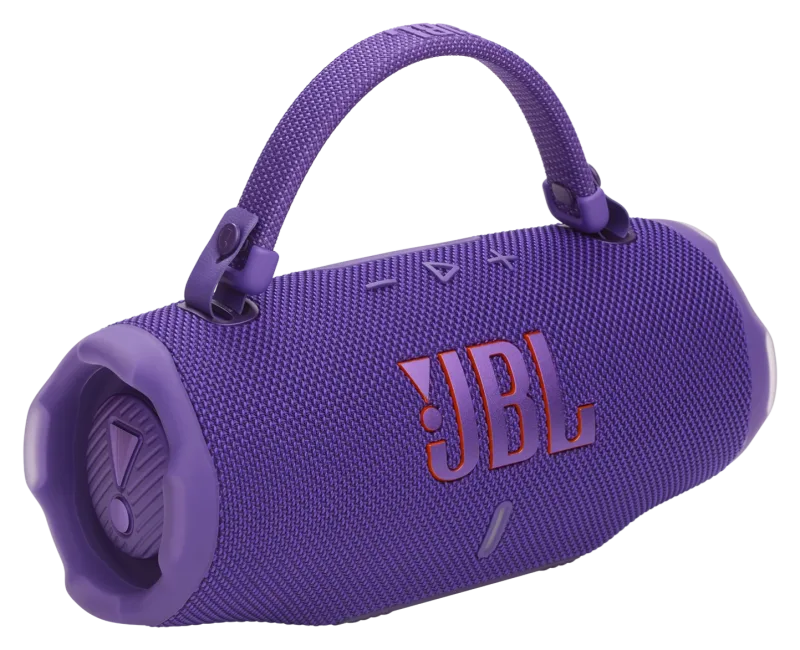
Karaoke set from the JuanderGear catalogue: a JBL Charge 6 speaker, a Microsoft Surface Go tablet and a JBL microphone. The tablet and microphone models are still being verified.
Great for: Birthday parties and get-togethers · Karaoke at the beach or a resort · Events without a fixed sound system
Before you start
- We are still confirming the exact Surface Go model, the microphone model and the karaoke app used in this bundle. Step-by-step karaoke setup will be added once they are confirmed. Until then, the JuanderGear team will walk you through the setup when you pick up your rental.
Overview
The bundle combines a portable Bluetooth speaker, a tablet for the karaoke app and a microphone, so you can set up karaoke wherever you are.
What's in this bundle
-
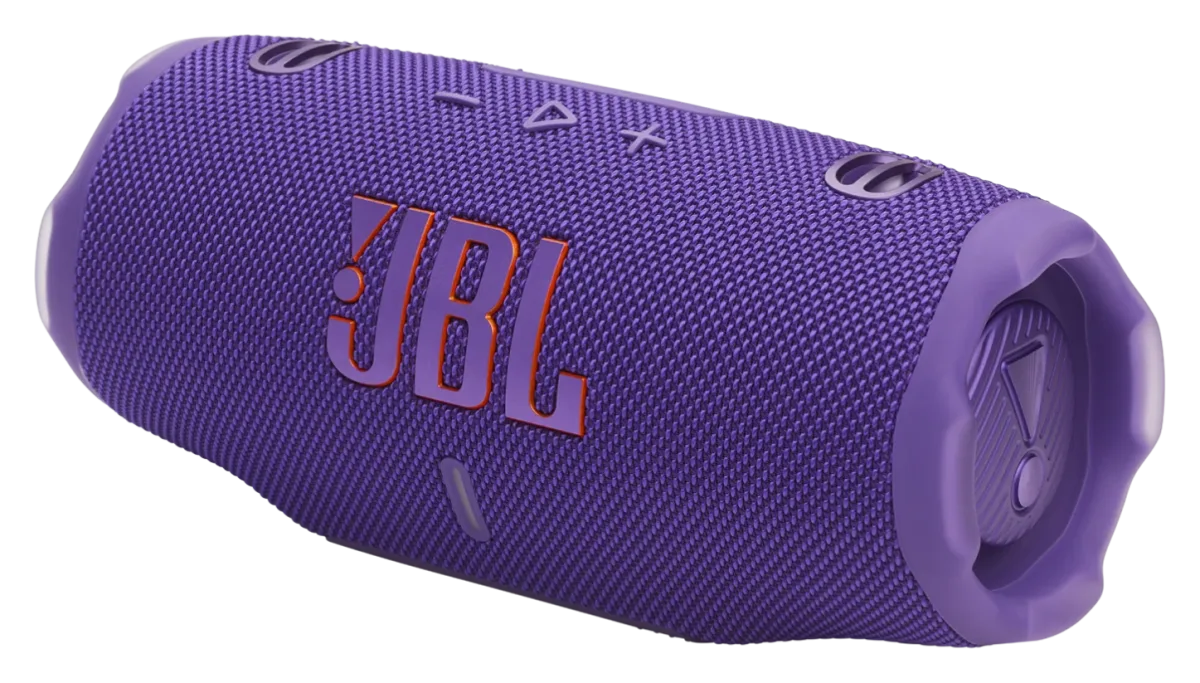
JBL Charge 6 speaker
IP68 portable Bluetooth speaker with up to 24 hours of playtime, plus 4 hours with Playtime Boost.[1]
Open its guide → -
Microsoft Surface Go tablet
Listed in the JuanderGear catalogue as a Microsoft Surface Go that runs the karaoke app. The exact model and the karaoke app have not been verified yet.
Unverified: model and app to be confirmed -
JBL microphone
Listed in the JuanderGear catalogue as a JBL microphone. The model and how it connects have not been verified yet.
Unverified: model to be confirmed
Specifications
Specifications for the tablet and microphone will be added once the exact models are confirmed. See the JBL Charge 6 guide for the speaker's specifications.
Getting started
-
Charge the speaker and the tablet
JBL recommends charging the Charge 6 before first use. A full charge takes about 3 hours.[2]
-
Pair the speaker with the Surface
Put the JBL Charge 6 into pairing mode, then on the Surface open Bluetooth settings, add a new Bluetooth device and choose JBL Charge 6.[3]
-
Connect the microphone and open the karaoke app
Not yet verified. Setup steps for the microphone and the karaoke app will be added once the models are confirmed. Ask the JuanderGear team at pickup.
Do a short sound check at low volume before your guests arrive.
Manuals & downloads
Documents are hosted by the manufacturer and open in a new tab. Always use the latest version.
Troubleshooting
The Surface cannot find the speaker
- Make sure the speaker is in pairing mode and close to the Surface.
- On the Surface, open Bluetooth settings, choose to add a Bluetooth device and select the speaker from the list.
Source: [3] Pair a Bluetooth device in Windows
The speaker beeps when plugged in to charge
- The speaker detected water, salt or another substance in the USB-C port. Unplug it and let it dry completely before charging.
Source: [2] JBL Charge 6 Quick Start Guide
Still stuck with a rented unit? Contact JuanderGear.
Sources
- JBL Charge 6 Spec Sheet (opens in a new tab) — JBL / HARMAN. Checked October 23, 2026.
- JBL Charge 6 Quick Start Guide (opens in a new tab) — JBL / HARMAN. Checked October 23, 2026.
- Pair a Bluetooth device in Windows (opens in a new tab) — Microsoft Support. Checked October 23, 2026.
Product names, logos and trademarks belong to their respective owners. JuanderGear is an independent rental service and is not affiliated with or endorsed by DJI, JBL/HARMAN or Microsoft. Guide content is summarised from the manufacturers' public documents; if anything here differs from the official manual, the manual takes precedence.
More product guides
-
Audio
JBL Charge 6
Portable Bluetooth speaker with up to 24 hours of playtime (plus 4 hours with Playtime Boost), IP68 water and dust resistance, and a built-in powerbank.
-
 Cameras
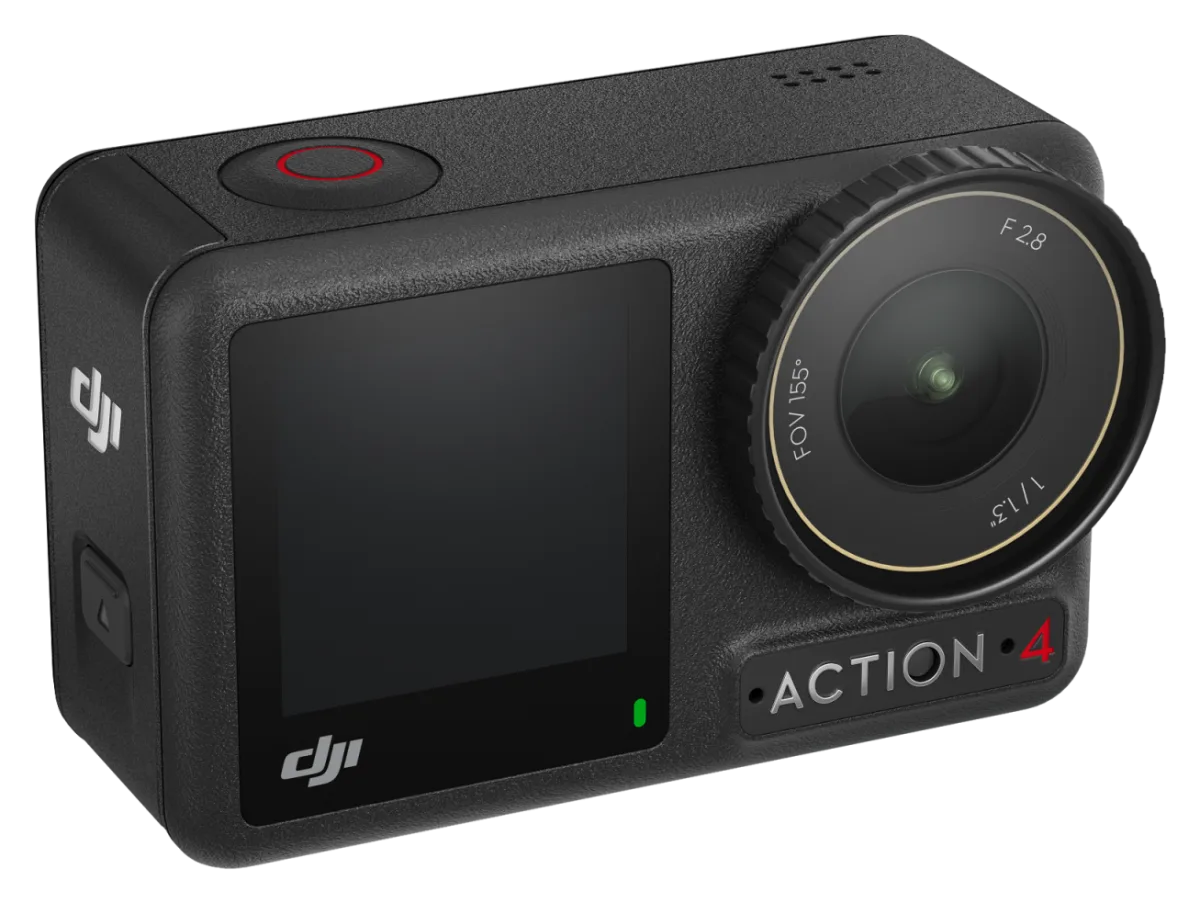
DJI Osmo Action 4
Rugged action camera with a 1/1.3-inch sensor, 4K video at up to 120 fps, two touchscreens and waterproofing to 18 m without a case.
-
 Cameras
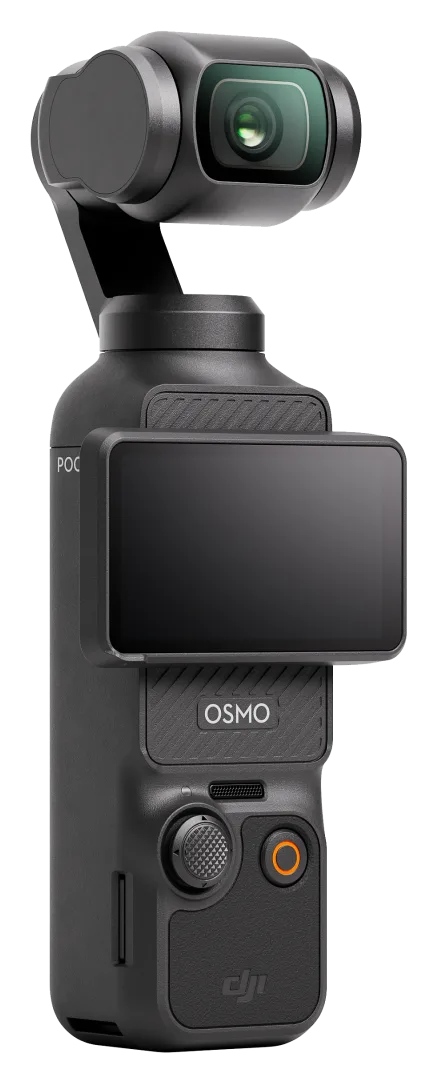
DJI Osmo Pocket 3
Pocket-sized 3-axis gimbal camera with a 1-inch sensor, 4K video and a 2-inch rotating touchscreen. Made for vlogging and travel.
Need help with your rental?
If something is not working as described, or a guide does not cover your question, message the JuanderGear team. For warranty and repairs of devices you own, contact the manufacturer directly.